
For
Owner-operators
One app for the loads, the PODs and the money. See your real take-home on every load before and after you run it.
Free for the first 1,000 users
RouteHub keeps your loads, PODs, money and truck papers in one app on your phone. Built by FF Dispatch for owners, owner-operators and company drivers.
After fuel and truck
What you keep
Example data
Inside the app
01 / Home
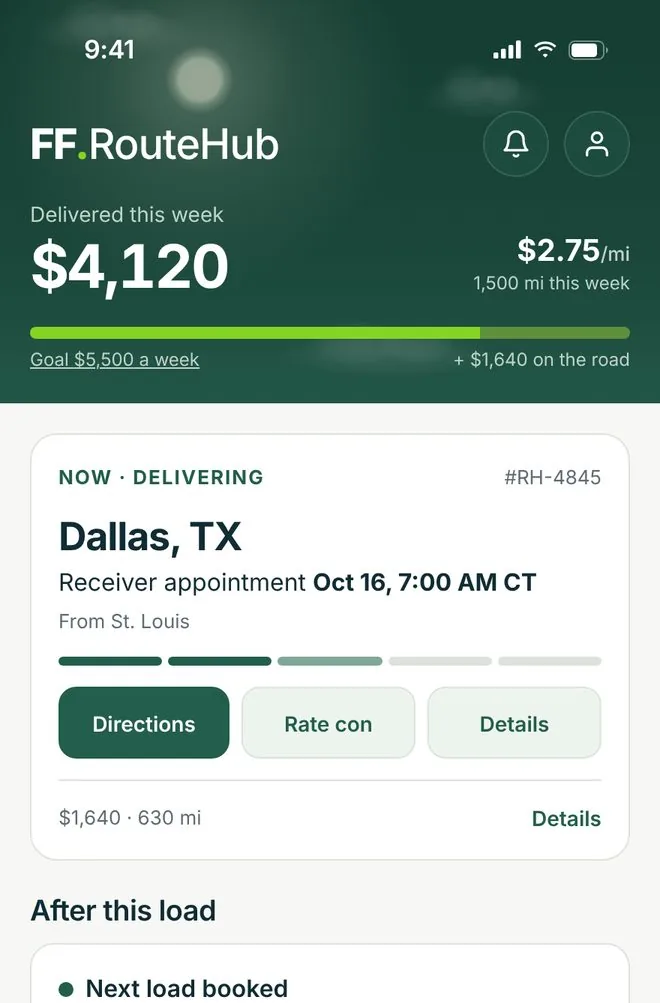
What you made this week, where your truck is, and what needs you today.
02 / Loads
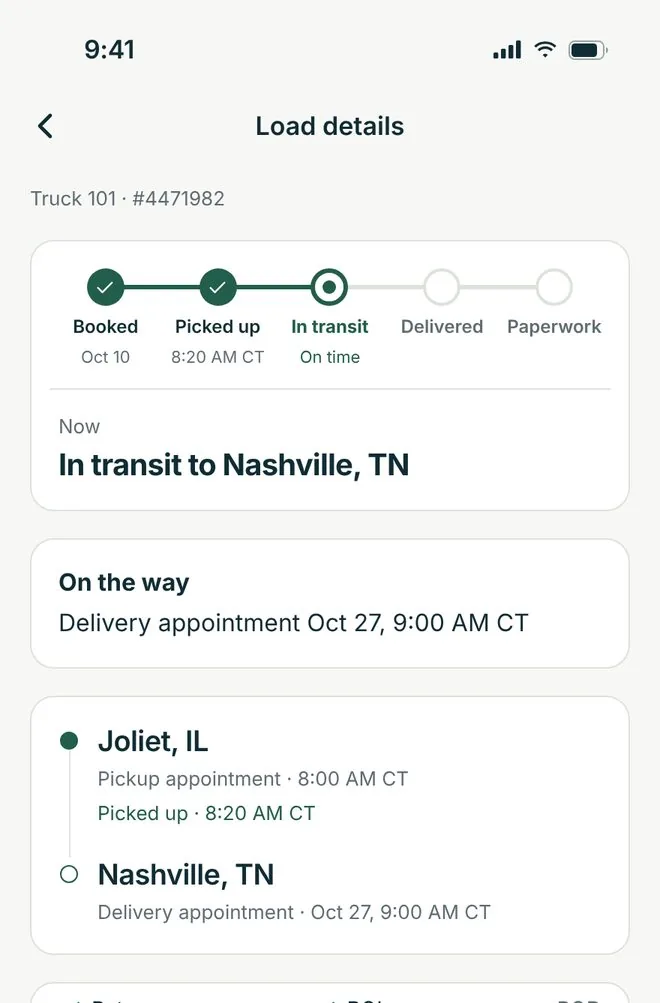
Loads your dispatcher books show up on their own. Running your own freight? Add a load from the rate con, then follow it from pickup to paperwork.
03 / POD
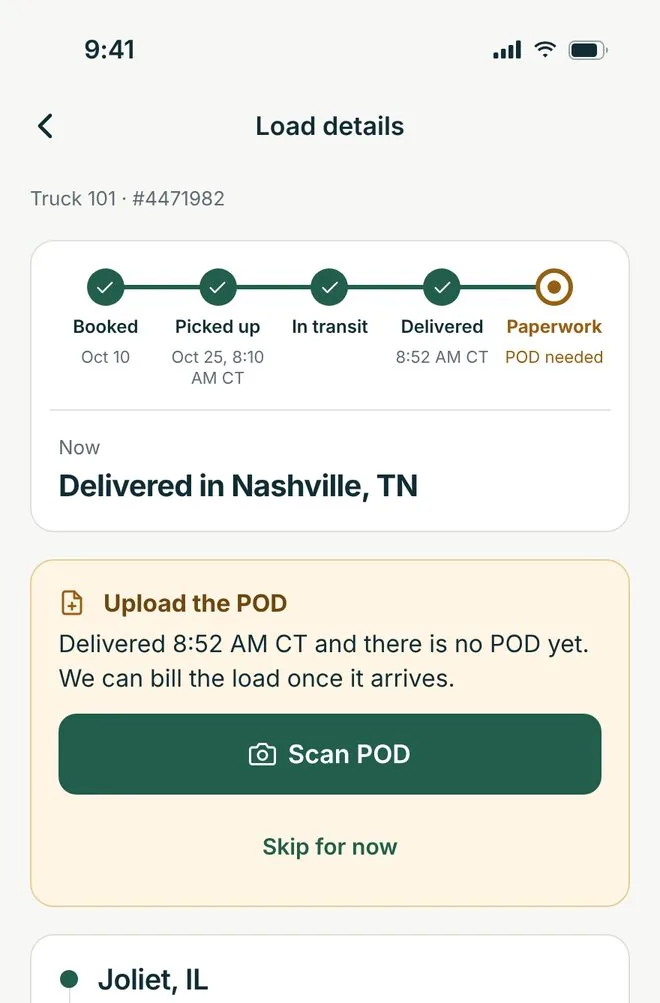
When you deliver, tap Scan POD. It goes straight to the load, saved with the rate con, so billing doesn't wait on you.
04 / Money
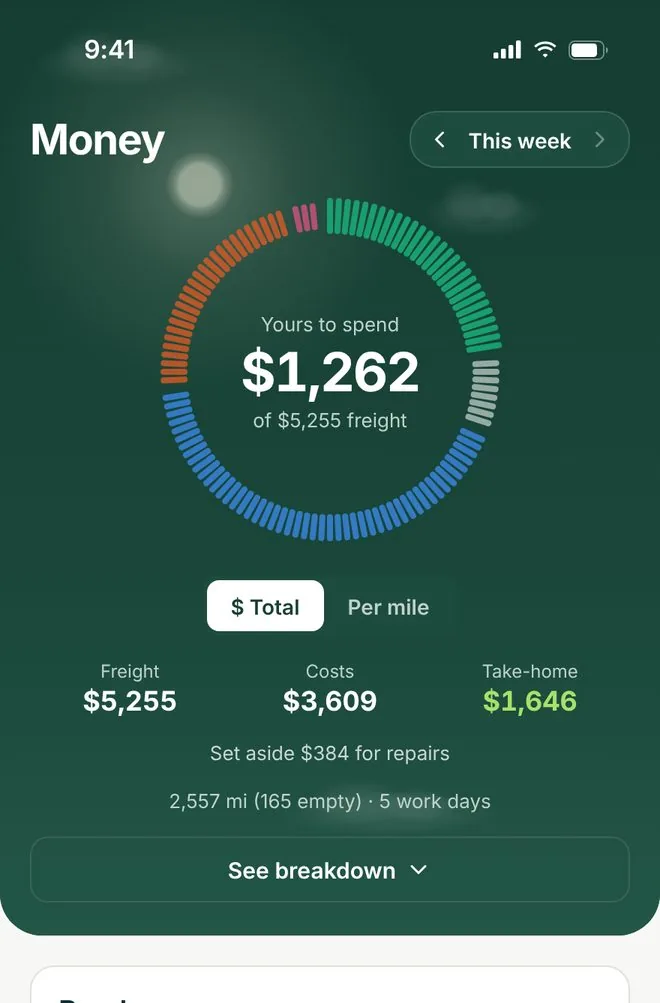
What you keep after fuel, truck payment and empty miles, and your break-even per mile.
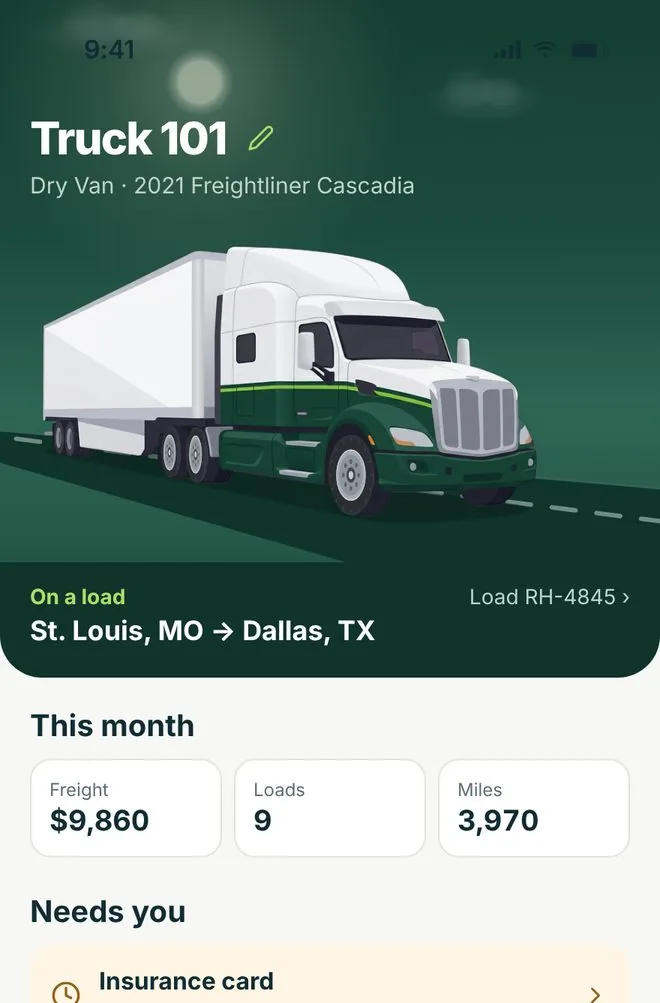
05 / Trucks
Papers, service and repairs in one place, with a heads-up before a paper expires.
Screens show example data
For
One app for the loads, the PODs and the money. See your real take-home on every load before and after you run it.
For
Every truck, every load and every paper in one place. Invite drivers with a text code, and their PODs and expenses land on the right load.
For
Your loads, pre-trip, POD, expenses, fuel and truck-down in one Add button. Join with the code your owner texts you.
Drivers see their own loads and paperwork. They never see your dispatch fee, your money screens or internal notes.
Run the numbers on an offer before you say yes, then share the check as an image.
Add a load straight from the rate con, with a check on the broker.
Snap a receipt and it reads itself. Export a CSV with Schedule C lines at tax time.
Plan what the month has to cover, then get a recap of how it went.
Export your loads whenever your accountant or lender asks.
A notification on your phone when a load or a paper needs you.
With FF Dispatch
On your own
Open the app and tap Create my account. Owners and owner-operators confirm their company with their DOT number; company drivers sign up with their name and email, no DOT needed.
Open RouteHub, enter the email the welcome was sent to and tap Continue, then type the 6-digit code we email you and choose your password.
Keep the text. Once RouteHub is on your phone, open it, tap Driver with an invite code? Join here, and type the code with the cell number it was sent to. If the code has expired, ask your owner to send a new one.
